The Ultimate Guide to AI Prompt Engineering: Write Perfect Prompts
Are you tired of getting generic, robotic, or inaccurate responses from ChatGPT, Claude, and Gemini? The secret to unlocking the true power of artificial intelligence doesn’t require complex coding skills. It all comes down to one critical skill: AI Prompt Engineering.
In this ultimate guide, we will break down exactly how to write the perfect AI prompt every single time. By mastering these formulas, you can slash your work time, generate highly specialized content, and force AI to reason like an expert.
💡 Pro Tip: Don’t want to write prompts manually? Try our free AI Prompt Optimizer Tool to automatically generate mega-prompts using the frameworks discussed below!
Why Bad Prompts Generate Bad Results
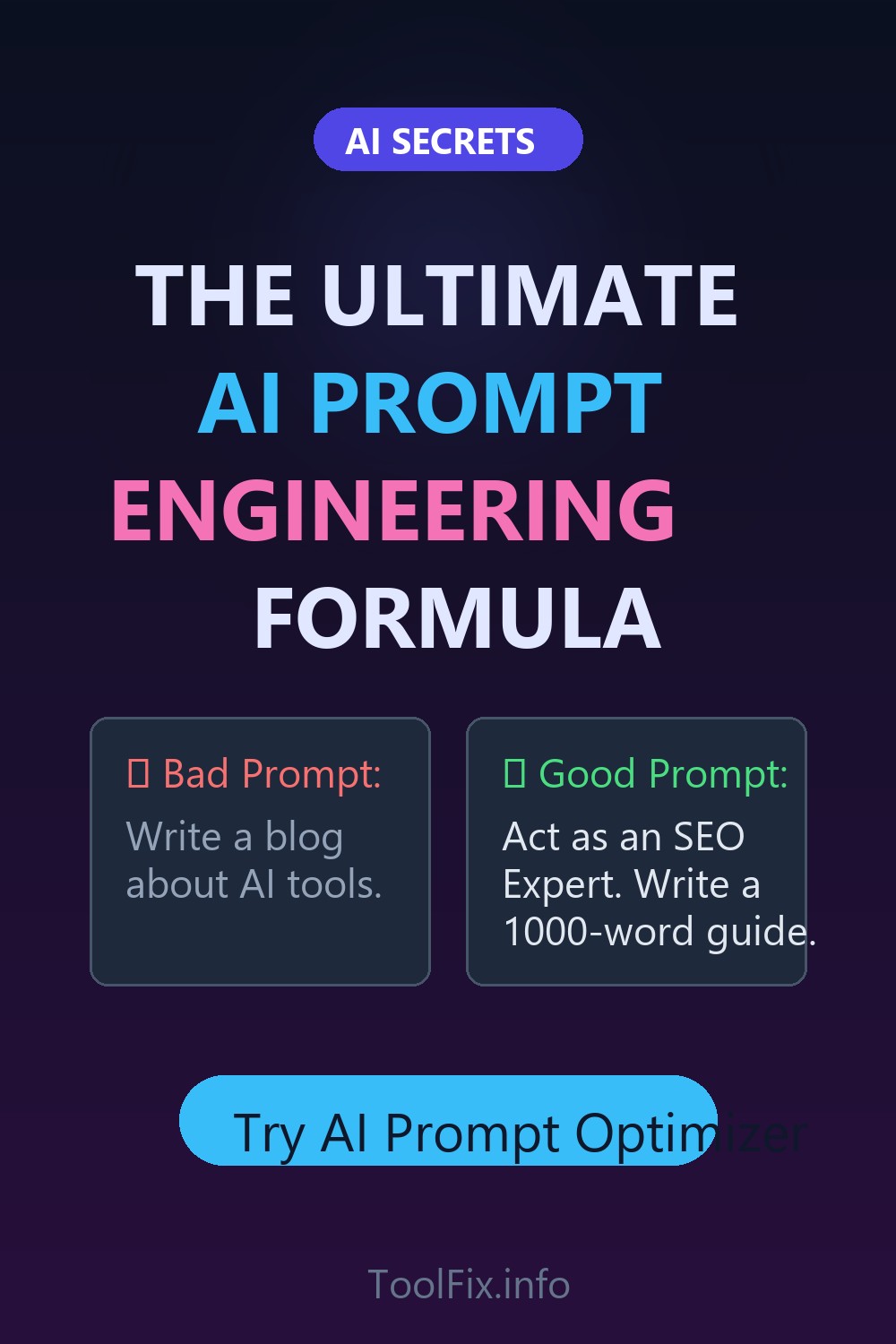
Most beginners interact with AI like a search engine. They type short, vague commands like “Write a blog post about SEO.”
The problem? The AI lacks context. It doesn’t know your audience, your desired tone, or the formatting you need. As a result, it falls back on its default “safe” voice—which reads exactly like AI. Prompt engineering is the science of giving the AI a precise set of constraints so it has no choice but to give you exactly what you want.
1. The RTF Framework (Role, Task, Format)
The RTF framework is the golden rule of basic prompt engineering. It stands for Role, Task, and Format. If you only remember one thing from this guide, make it this.
- Role: Who should the AI act as? (e.g., “Act as a Senior SEO Strategist with 10 years of experience.”)
- Task: What exactly do you want it to do? (e.g., “Write a comprehensive guide on Keyword Clustering.”)
- Format: How should the output be structured? (e.g., “Format the output using markdown headers, bullet points, and a table summarizing the tools.”)
Example RTF Prompt:
“Act as an expert copywriter. Write a 500-word email newsletter about our new software launch. Format it with a catchy subject line, 3 bullet points highlighting benefits, and a strong call to action.”
2. The CARE Framework for Complex Tasks
When you need the AI to handle a highly specific business task, the basic RTF framework isn’t enough. Enter the CARE framework: Context, Action, Result, Example.
- Context: Provide background information. Who are you? What is the current situation?
- Action: Define the exact steps the AI needs to take.
- Result: Specify the desired outcome and tone.
- Example: (Crucial step) Give the AI a reference of what a good output looks like. This is called “Few-Shot Prompting.”
By providing examples, you drastically reduce the chance of the AI “hallucinating” or hallucinating a format you didn’t ask for.
3. Chain of Thought Prompting (Zero-Shot Reasoning)
If you’re asking an AI to solve a complex logic problem, do math, or plan a detailed strategy, it will often fail if it tries to generate the final answer immediately. You must force the AI to “think aloud.”
Simply append this magic phrase to the end of your prompt: “Let’s think step by step.”
This forces the LLM to output its reasoning process before delivering the final answer, which drastically improves logical accuracy.
Automate Your Prompts with ToolFix
Writing these complex, multi-paragraph prompts manually takes time. That’s why we built the AI Prompt Optimizer.
Instead of remembering the RTF or CARE frameworks, simply open the tool, select your desired Role, Format, Tone, and Target Audience from the dropdown menus, and type your basic idea. The tool will instantly generate a highly optimized “Mega-Prompt” ready to be pasted directly into ChatGPT or Claude.